Download YT Shorts Downloader 2026 Free. Download YouTube shorts in high quality using a reliable YouTube shorts downloader.
YT Shorts Downloader 2026 Overview
YouTube shorts downloader 2026 is a tool-usually a browser-based website or desktop app that extracts vertical short-form video from YouTube and saves it as a local file on your device. In 2026, YouTube Shorts supports clips up to three minutes long and attracts over two billion monthly active users. Downloading YouTube Shorts allows offline viewing anytime, and downloading also helps preserve content before potential copyright issues arise or a creator removes the video.
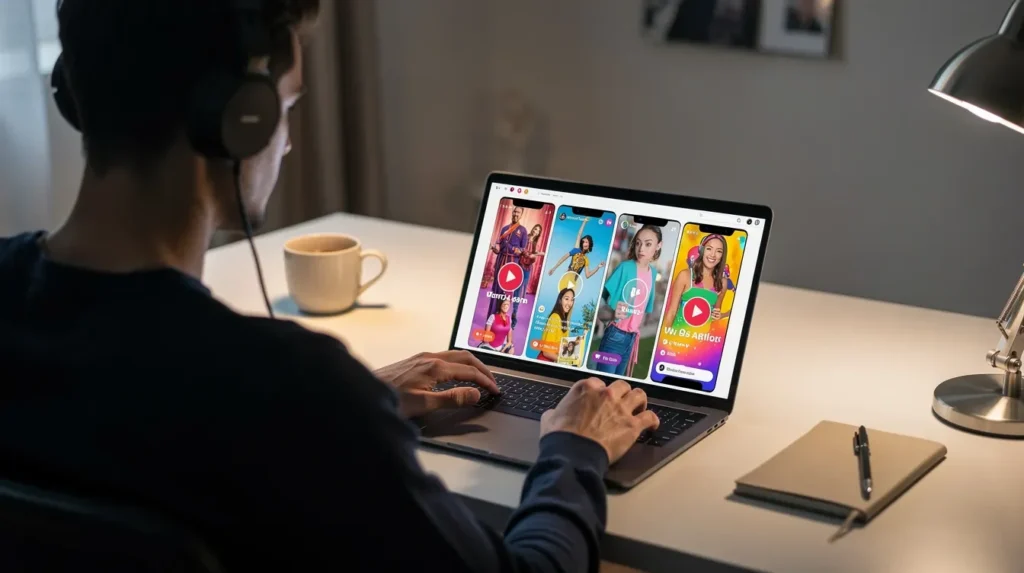
GetIntoPC offers guides and tools to help PC users download YouTube shorts videos for free. The download process is straightforward: you paste a shorts link into a compatible downloader, pick your quality, and save. YouTube Shorts can be downloaded directly from any browser without installing anything.
Common use cases:
Saving favorite shorts for offline access during commutes or travel
Research, language learning, or archiving educational clips
Content backup before videos disappear
Repurposing clips for editing workflows or cross-posting
How to Download YouTube Shorts – 3 Quick Steps (2026)
These simple steps work with most browser-based shorts downloader tools on Windows 10, Windows 11, and android phones. No technical skills are needed, and the method handles YouTube short links copied from desktop or mobile. Most downloaders output MP4, and some support WebM or MP3 for multiple formats.
Step 1 – Copy the YouTube Shorts Link
Open youtube and navigate to the shorts video you want to save. On PC, copy the YouTube shorts url from the browser’s address bar in Chrome, Edge, or Firefox. On mobile, tap Share → Copy link in the YouTube app.
Supported url patterns include:
youtube.com/shorts/VIDEO_ID
youtu.be/VIDEO_ID
youtube.com/watch?v=VIDEO_ID (when it loads as a Short)
Double-check the shorts url points to the correct video before moving on.
Step 2 – Paste the Shorts URL into a Downloader
Open your chosen shorts downloader site in a browser to start a youtube shorts download. Online tools like Cobalt let users download YouTube Shorts by pasting URLs directly. Simply paste the url into the main input field (often an input box at the top of the page). In most cases, one click on the download button is all it takes. Most tools auto-detect the video and display the title, thumbnail, and quality options.
No signup is required to download YouTube Shorts on most free tools, making it easy to get youtube shorts for free. If the downloader shows an error, try refreshing the page or copying the shorts link again.
Step 3 – Choose Quality & Download MP4
Select your resolution and click download for high quality downloads. Available download qualities include 360p, 720p, and 1080p. You can download Shorts in resolutions up to 1080p for full hd clarity. YouTube Shorts can be downloaded in MP4 format, which works across Windows, android, iphone, and smart TVs for a fast YouTube Shorts download.
Higher resolutions produce larger files but better quality for editing
Downloading videos may be limited to lower resolutions for users without Premium
YouTube Premium provides an official method to download videos at the highest available quality
The average download time for Shorts is under 10 seconds
The final file lands in your browser’s default download folder. Rename it clearly for organization.
Key Features to Look For in a YouTube Shorts Downloader
Not every tool is built the same. Here is what separates a solid youtube shorts downloader free option from a frustrating one in 2026. GetIntoPC readers usually prefer tools that run in the browser without extra app installs, and a good downloader should handle both youtube shorts videos and regular youtube videos.
Multiple Formats & Quality Options
Support for multiple formats matters depending on your workflow. Audio can be extracted as MP3 from YouTube Shorts for podcast-style clips or motivational audio. Download YouTube Shorts in MP4 format without watermarks for clean sharing across platforms. YouTube Shorts can be downloaded without watermarks on most reputable tools, giving you watermark free downloads every time.
MP4 – universal compatibility, best default
WebM – smaller file sizes
MP3 – audio-only extraction
Resolutions: 144p, 240p, 360p, 480p, 720p, 1080p in vertical format (9:16)
4K quality downloads are available via converters for ultra-high-res source uploads
Device & Browser Compatibility
Modern shorts downloaders in 2026 work on Windows 10/11 PCs, android phones, iPhones, and tablets directly from any browser—Chrome, Edge, Firefox, Brave, or Opera—where you can paste url and download in one click. No separate app install is needed for most web-based tools, which means you can download instantly from wherever you are.
Check whether the tool limits daily downloads or requires a free sign up above a certain number. If you regularly download shorts for work, choose tools with fewer restrictions so you can grab multiple youtube shorts without interruption.
Is a YouTube Shorts Downloader Safe?
A youtube shorts downloader safe option should use HTTPS, avoid forcing suspicious browser extensions, and never request your Google login or personal data collection. Watch out for fake download buttons, pop-up ads, and bundled installers-these are red flags.
Scan downloaded content with Windows Security or a trusted antivirus
Stick to browser-based converters instead of unknown EXE installers
YouTube’s terms prohibit downloading content for purposes other than personal use
Software safety depends on respecting copyright and terms of service
Using Downloaded Shorts Across Platforms (Reels, TikTok & More)
You can repurpose downloaded Shorts for other social media platforms and other platforms since the vertical format fits perfectly on tiktok or instagram reels, Facebook Reels, and Snapchat Spotlight. Creators benefit from reusing edits once to grow multiple channels from the same shorts video, making one saved file a simple platforms download workflow across channels. Always respect platform policies and the original creator’s intellectual property when reposting.
Repurpose Shorts for Instagram Reels & TikTok
Transfer the MP4 from PC to phone via USB, cloud storage, or a messaging app, then upload to instagram reels or TikTok. Add platform-specific text overlays and captions to avoid duplicated-content flags. Social media managers can schedule cross-platform posts using vertical-video schedulers available in 2026, creating multiple cutdowns from one download for A/B testing hooks.
Build Compilations, Intros & Training Clips
Downloaded shorts serve as raw material for longer compilations in editors like DaVinci Resolve or Premiere Pro. You can save educational Shorts for offline study and presentations-embed segments into PowerPoint or Google Slides for offline workshops. Organize MP4 files into folders by topic for faster editing. Review music and clip licenses before public distribution.
Keep Favorite Shorts for Offline Viewing
Build a small offline library of your favorite videos-coding tips, language-learning snippets, workout demos, quick recipes. Save shorts for offline viewing by downloading in 360p or 480p to conserve space on budget devices while retaining acceptable quality. YouTube allows offline viewing of Shorts through its app for Premium users, but a free youtube shorts downloader gives you offline use without a subscription. Periodically clean up your library to manage storage.
Shorts Downloader vs Full YouTube Video Downloader
Many modern tools function as both a shorts downloader and a full youtube video downloader, handling regular youtube videos alongside vertical shorts in one interface. The key differences come down to aspect ratio (9:16 vs 16:9), clip length, and file size. Short clips benefit from batch processing since you often want to save multiple files at once. Open-source tools often provide reliable downloading options for multimedia, and yt-dlp is a command-line tool known for bypassing YouTube’s platform changes when browser-based options break.
Handling Multiple Formats on PC
After you download shorts, you can convert or compress MP4 and WebM files with desktop tools like HandBrake or VLC. PC users in 2026 often transcode shorts to H.265 to balance quality loss against storage savings. Audio-only extraction as MP3 is useful for motivational or podcast-style clips. Back up important compilations to external drives or cloud storage-downloaded Shorts can be saved without watermarks for clean sharing, so your archive stays presentation-ready whenever you need it.
Get this app while signed in to your Microsoft account and install on up to ten Windows devices.
Supported languages
English (United States)
Storage Requirement
Depends on downloaded video quality and duration.
Use Cases
Offline viewing of YouTube Shorts, content archiving, educational reference material, and personal media collection.
System Requirements for YT Shorts Downloader 2026
Component
Minimum
Recommended
Operating System
Windows 7 / 8 / 10 / 11 (64-bit)
Windows 10 or Windows 11 (64-bit)
Processor (CPU)
Intel or AMD Dual-Core Processor
Intel Core i3/i5 or AMD Ryzen 3/5
Memory (RAM)
2 GB RAM
4 GB RAM or more
Storage / Disk Space
100 MB free disk space
500 MB or more free space for downloaded videos
Graphics (GPU)
DirectX-compatible graphics adapter
Any modern integrated or dedicated GPU
Display Resolution
1024 × 768
1920 × 1080 or higher
Internet Connection
Required for accessing YouTube and downloading Shorts
Broadband Internet connection
YT Shorts Downloader 2026 Free Download
Click on the link below to start the YT Shorts Downloader 2026 Free Download. This is a full offline installer standalone setup for Windows Operating System. This would be compatible with both 32 bit and 64 bit windows.