Free Download Your Desired Softwares and Apps From GetintoPC
AI Software and the Future of Digital Image Generation Tools
Artificial intelligence has moved from research papers into everyday software in just a few years. Photo editors, mobile apps, and creative platforms now include AI features that were rare a decade ago. Digital image creation is one of the clearest examples of this shift. Tasks that once required real skill in digital art or photography can now be handled through a simple prompt and an automated model. Casual users, not only designers or engineers, are exploring these programs out of curiosity or practical need. This article looks at how AI image generation software works, why personalization has become such a major part of these tools, and where this branch of technology seems to be headed next.
The Evolution of AI Powered Software Tools
Artificial intelligence software did not appear overnight. Early tools relied on rule based systems and simple pattern recognition, which limited what they could produce. Over the past several years, generative models trained on enormous datasets changed that completely. These systems learned to recognize patterns in images, text, and sound well enough to generate new content, not just analyze it. As computing power got cheaper and cloud platforms made processing more accessible, developers began building these models into consumer software. What once lived only inside research labs now shows up in mobile apps, browser extensions, and everyday creative software tools.
How AI Image Generation Software Works
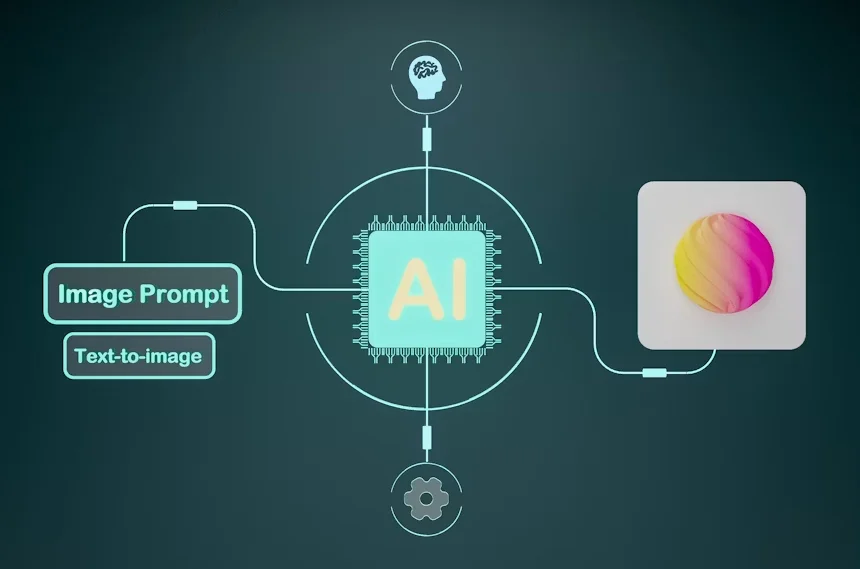
Most AI image generator software relies on models trained on huge collections of pictures paired with written descriptions. During training, the software learns statistical relationships between words and visual patterns such as shape, color, and composition. When someone enters a prompt or uploads a reference photo, the model does not search for an existing picture that matches it. Instead, it builds a new image piece by piece from what it learned earlier. Some systems rely on diffusion methods, starting from random noise and gradually refining it into a clear image. The exact method differs between platforms, though the result is always new visual content shaped by the input it receives.
The Role of Personalization in AI Based Tools
Personalization is one of the biggest reasons AI visualization tools have grown so quickly outside of professional design circles. Rather than producing generic images that look the same for everyone, many platforms now let users shape the output around their own data, preferences, or photos. Modern AI software is increasingly built into creative workflows, letting users generate personalized visual outputs based on the details they provide. One example of such tools is an ai baby generator, which uses machine learning models to create a predictive visual representation based on photos supplied by the user. Similar personalization ideas show up in fitness apps and style apps that preview a look before a purchase. The common thread is software that reacts to individual input rather than handing everyone the same fixed result.
Practical Applications of AI Image Generation Software
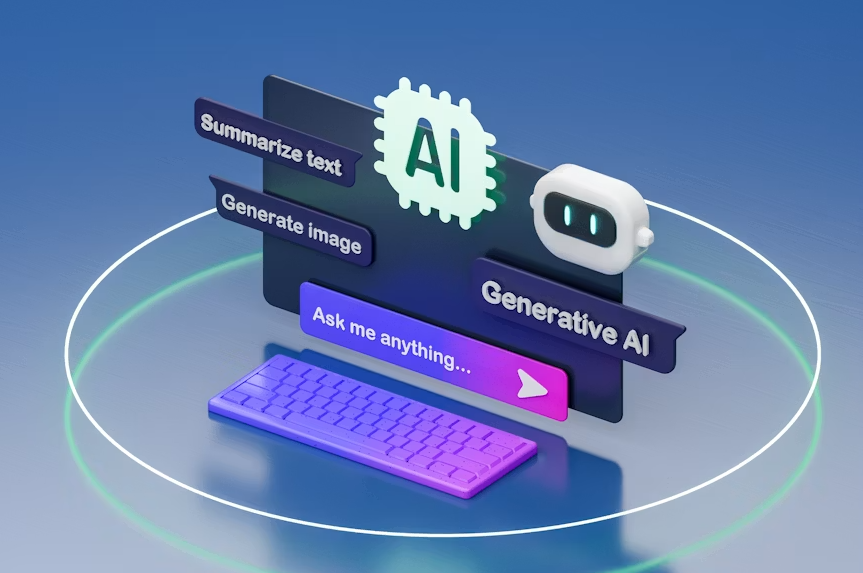
Image generation technology now shows up across a wide range of everyday settings. Graphic designers use it to sketch out early concepts before moving into more detailed editing software. Marketing teams put together quick visual mockups without a full photo shoot. Entertainment studios use similar tools to test environments or character designs during early planning. Social media creators lean on generation tools for thumbnails, backgrounds, and promotional graphics on tight deadlines. Even hobbyists turn to these machine learning tools for personal projects, from digital art experiments to a quick visual joke shared with friends.
Benefits and Limitations of Generative AI Tools
Generative AI tools bring some clear advantages. They speed up early creative work, lower the skill barrier for producing visual content, and let people test ideas before committing real time or budget to them. Small teams and individual creators can now put together visuals that once needed a much larger production process. At the same time, these tools carry real limitations. Output quality still depends heavily on training data and prompt wording, and results sometimes include errors, odd artifacts, or biased patterns absorbed during training. Questions around data sourcing, consent, and copyright remain unresolved in parts of the industry.
The Future of AI in Software Development
Looking further out, AI capabilities seem likely to become a standard part of software rather than a feature added on later. Many developers already build AI applications around these models from the start instead of adding them on afterward. Automation is spreading beyond image generation into related tasks such as editing, tagging, and organizing visual content on its own. As models grow more efficient, they should run faster and need less specialized hardware, putting these tools within reach of more devices. Mainstream categories of software, including productivity apps and communication platforms, are also starting to fold in generative features once considered niche.
Final Thoughts
AI continues to reshape how software handles image creation and digital visualization. What began as a specialized research tool is now a practical feature found across design programs, mobile apps, and everyday creative platforms. Image generation software keeps lowering the barrier for people who want to create or personalize visual content without formal training in art or design. As these tools continue to mature, they seem likely to become an ordinary part of how people use technology, sitting alongside the other software applications people rely on for work, communication, and creative expression.